Join an exam with a link, QR code or PIN
Many exams do not need an EduBase account of your own. The organizer gives you one of these, and EduBase signs you in to an account made for the exam:
- a link or a QR code,
- an 8-digit PIN,
- a username and password, often printed on a card.
You can join from half an hour before the exam starts until half an hour after it ends.
With a link or QR code
Open the link, or scan the QR code with your phone's camera. EduBase signs you in and opens the exam's start page. Check the exam's name, then choose Begin test.
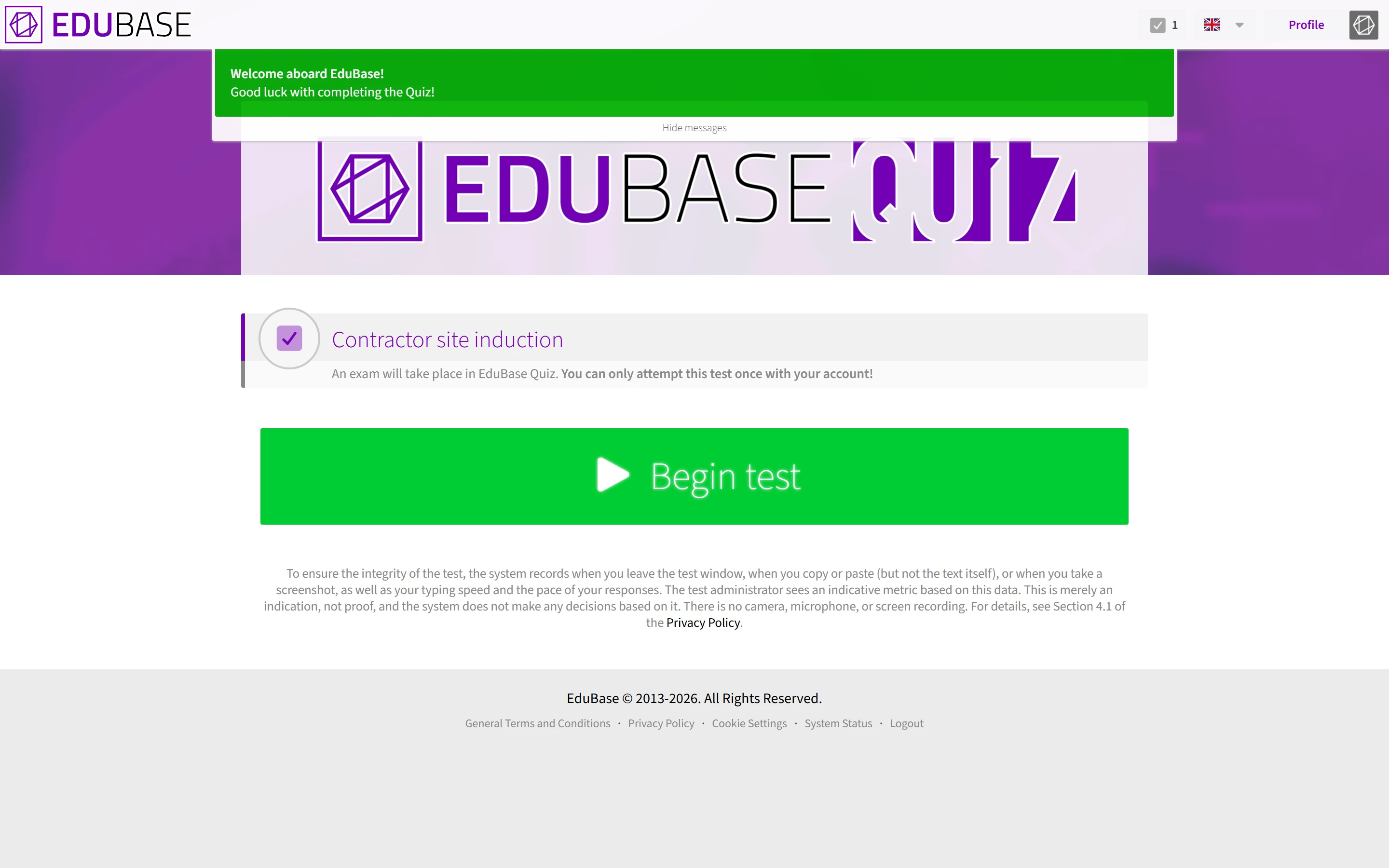
After opening the link
If the exam asks for details first, such as your name, company or ID number, fill in every field in bold before you start.
With a PIN
- Open the exam login page the organizer named.
- Type the 8 digits of the PIN and choose Login.
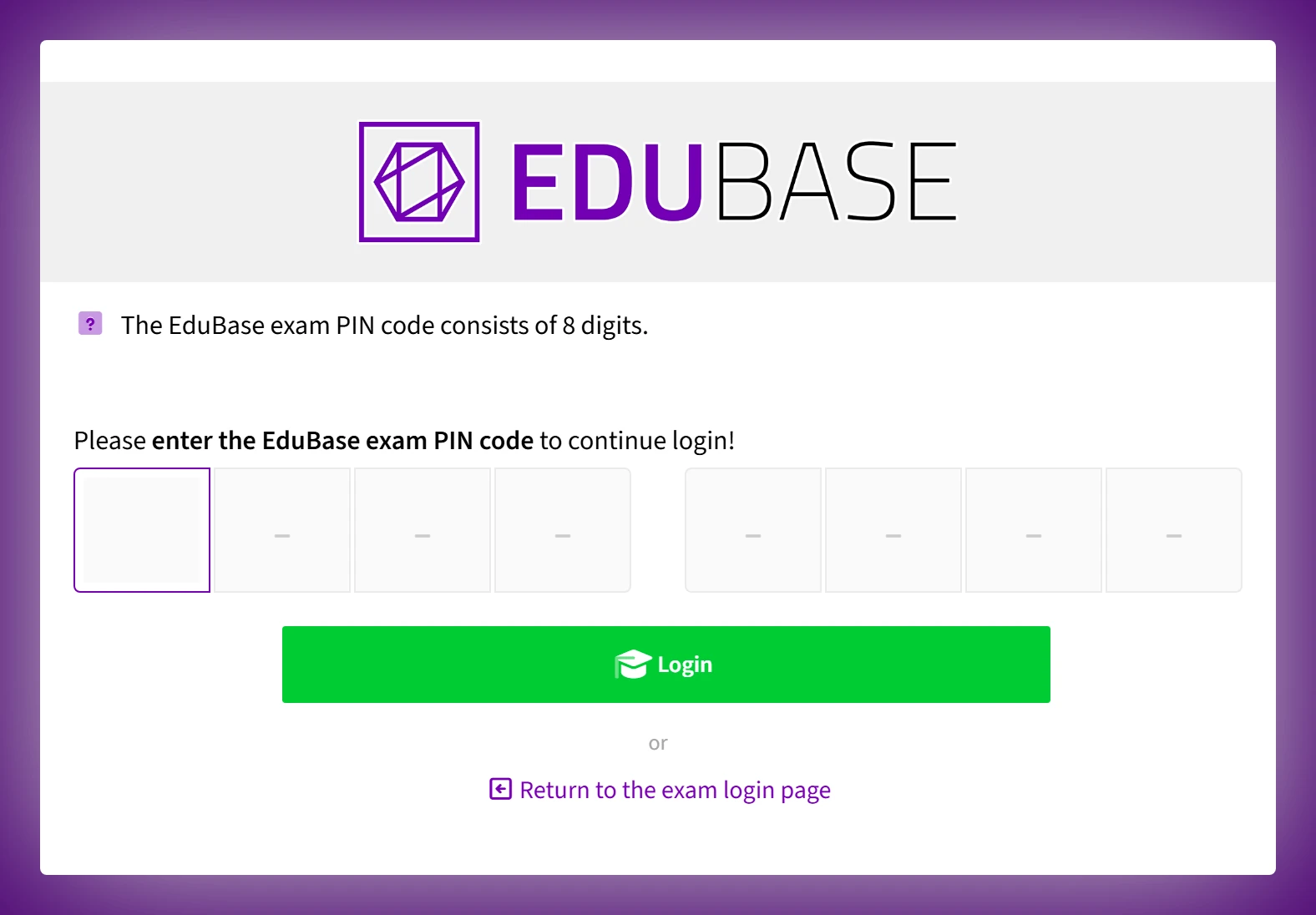
Exam login page → PIN
With a username and password
Sign in on the EduBase sign-in page with exactly the username and password on your card. The password only works while the exam is open.
If it does not work
- Outside the exam's time, signing in fails: check the date and time.
- If you were already signed in with another EduBase account, sign out first, then open the link again.
- A PIN has exactly 8 digits.
More in If something goes wrong.