Random draws, fixed order and complex tasks
A question group in an EduBase Quiz set treats several questions as one unit. A group can draw a random selection from a pool, so participants get different questions and not only different numbers; keep questions together in a fixed order; or merge them into one complex task, for example several questions about the same case study. Groups work in practice tests and exams alike.
Group types
| Type | What a participant gets |
|---|---|
| Will be randomly selected | The number of questions you set under Questions, drawn at random from the group at every attempt. |
| Sequentially followed by each other | The group's questions one after the other, in the order set in the group. |
| Will be merged into one complex (mixed type) question | The group's questions as one task with several sub-questions. |
When the Quiz set shuffles its questions, a group is placed as a whole at a random position: questions of an ordered or merged group stay together and in their order.
Create a group
- Open the Quiz set's questions: the Quiz set → Tasks.
- Select the questions that belong together.
- Choose Group questions under the list, and give the group a title.
- Open the group's menu (...) and choose Manage group. In Edit question group, set the Type and, for a random draw, the number of Questions to draw.
- Choose Save.
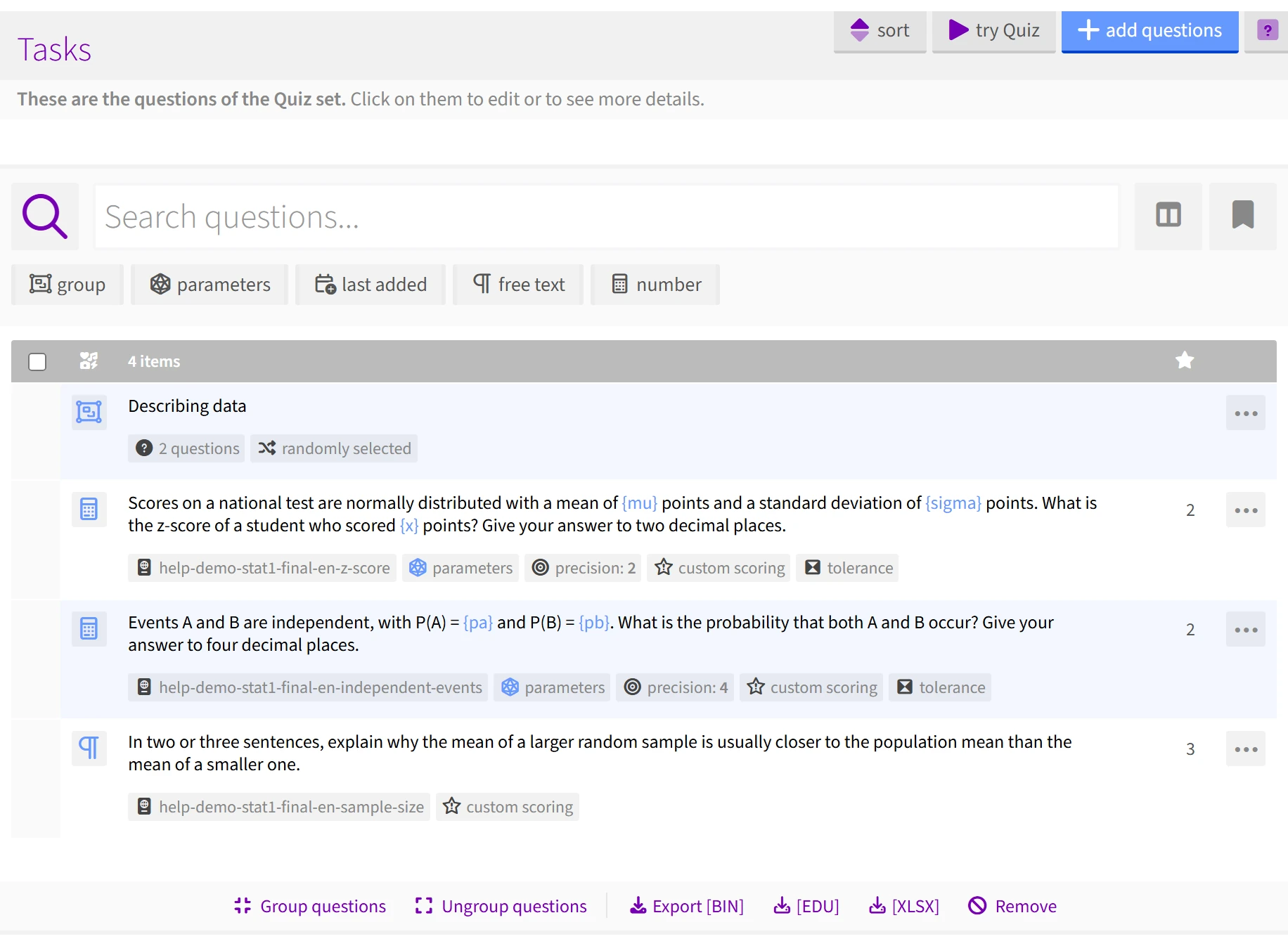
The Quiz set → Tasks
To add questions to an existing group, select the group and the questions, and choose Group questions again. Ungroup questions turns a group's questions back into standalone questions.
In the demo practice Quiz set, three questions on describing data form the group Describing data, which draws two of them at random for every attempt.
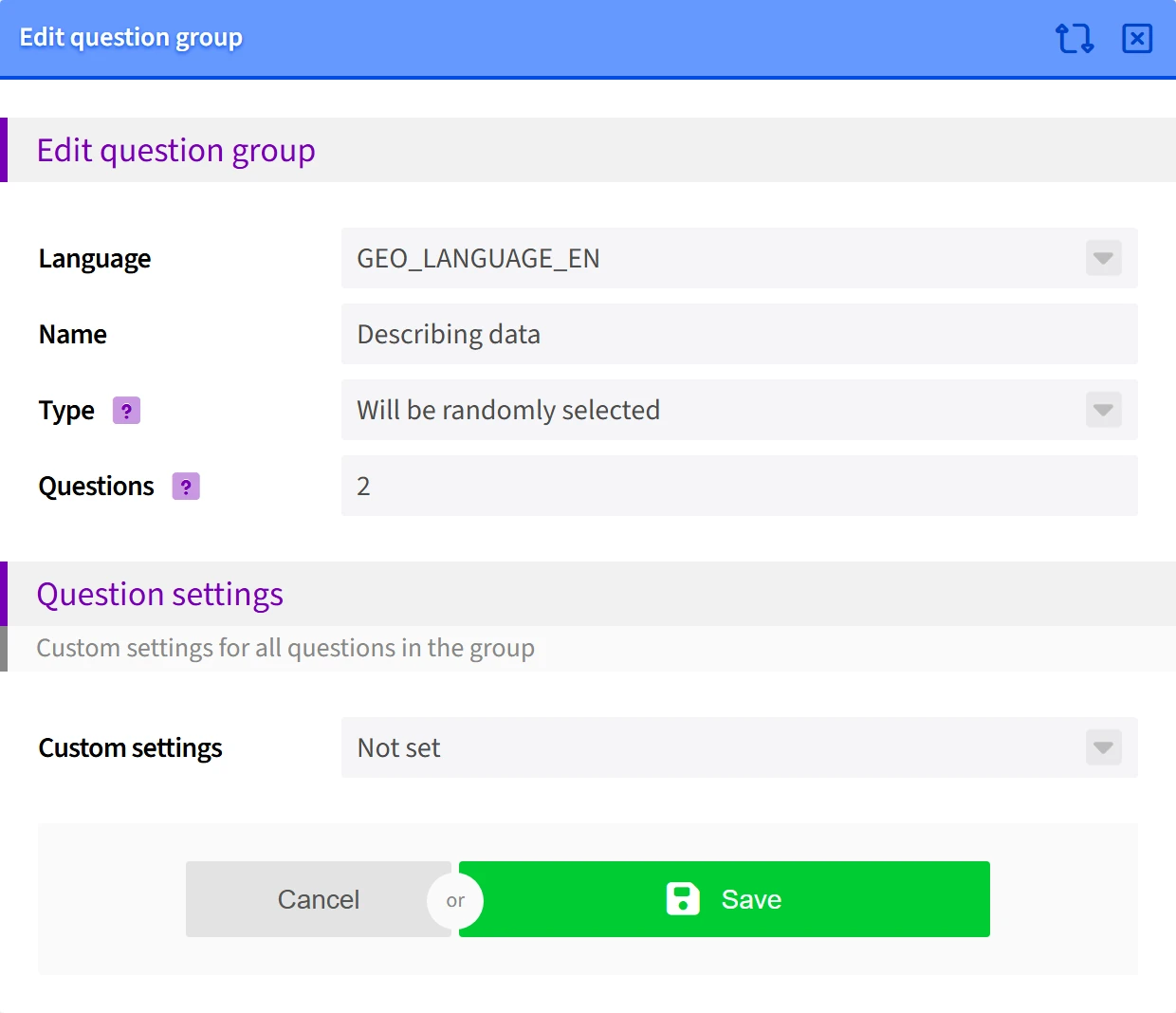
Tasks → the group's menu → Manage group
Settings of a group
- Language: the group's language. When EduBase selects questions, the language of the questions counts, not the group's.
- Parameters: for ordered and merged groups, Synchronized gives parameters with the same name the same value in every question of the group, so several questions can work on the same generated data.
- Split View: for a merged group whose first question is a reading task, shows its text on the left and the questions on the right, so a long passage stays in view.
- Question settings: with Use custom settings, override for every question of the group whether it is Mandatory, its Round time in seconds, its Points (Default (1 point), Not scored or a custom value) and its Penalty points.
Limits
- A group holds up to 500 questions.
- Two groups cannot be merged into one; ungroup one of them first.
- A random draw takes questions from its own group only. To draw from the whole question bank at each attempt, see Draw questions from the bank at each attempt.