See your results
Your result appears once the exam's organizer makes it visible: right after the test, after the exam closes, or after manual scoring.
Open your result
Open the exam the same way you started it, from your dashboard or the exam portal, and choose View my result.
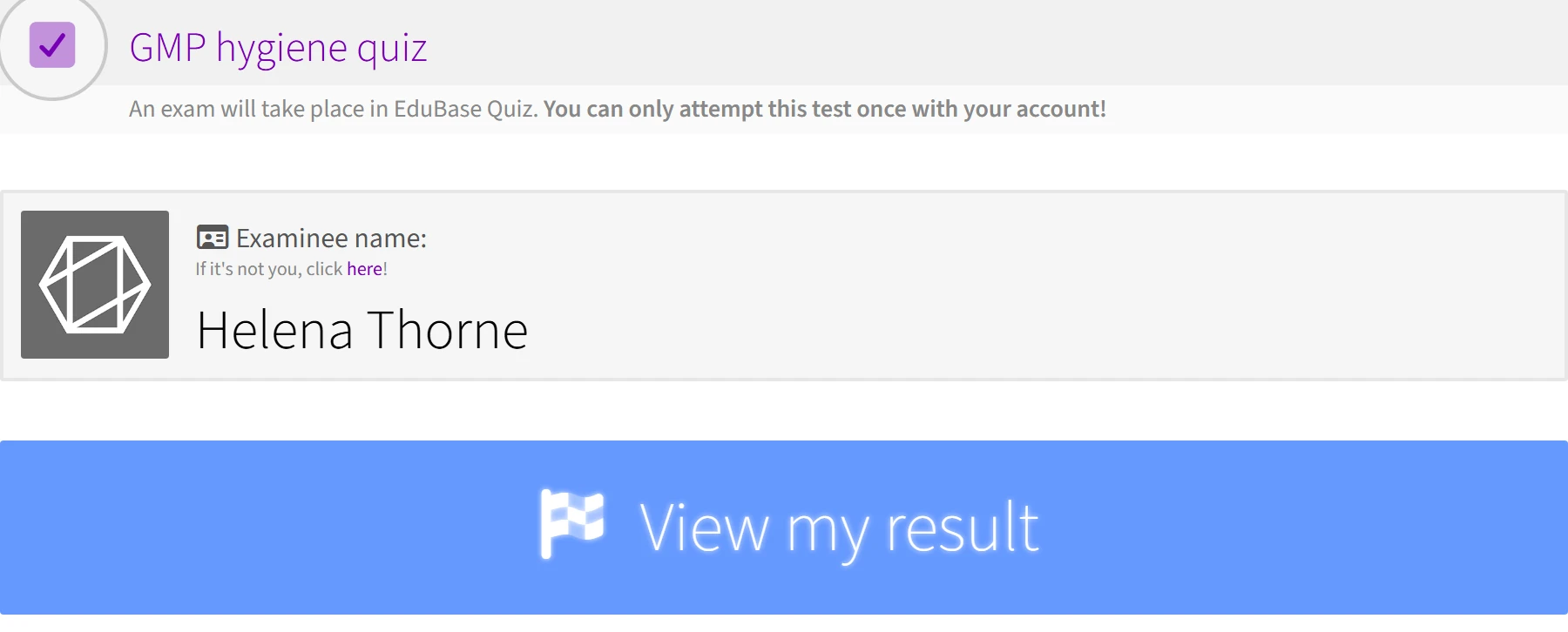
The exam → View my result
If you belong to an organization, Open results on My competencies leads to the same page.
What the results page shows
- The summary: the time you took, how many questions you answered, your points and percentage and, if the exam has one, your grade.
- Your answers, question by question, next to the solutions, if the organizer shows them. Some exams show only the summary.
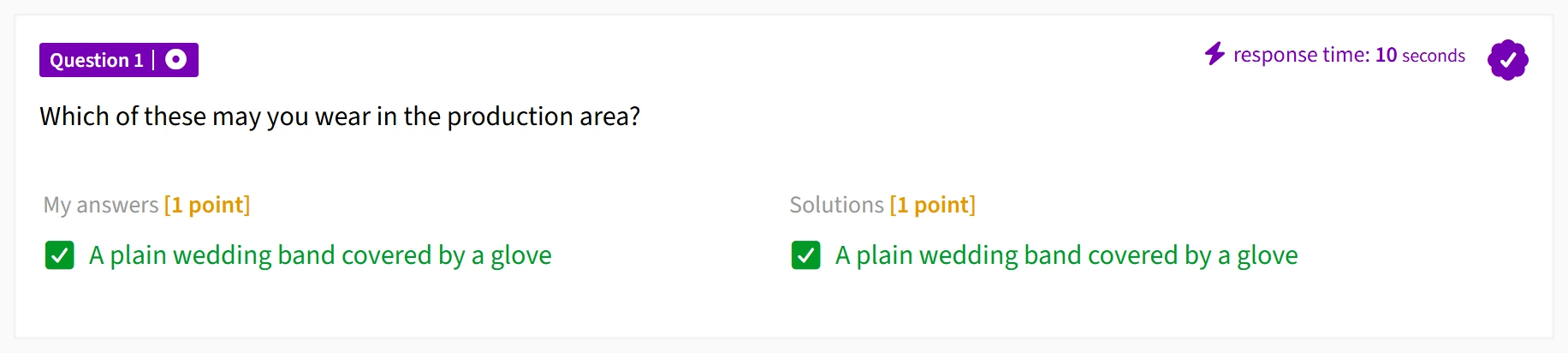
View my result → the questions
- Pending points, when some answers are scored by hand: your result can still change.
- Download certificate, when the exam issues one and you earned it. See Your certificates.
- Try again, when the exam allows another attempt.
If you have a question about your result, ask the exam's organizer.
Without an account: look up your result
If you took the exam with a link, QR code or PIN, the organizer may give you a results link. Open it, enter the identifier the exam asked you for, for example your student number or email address, and choose Open results. The page also shows how long the results can be viewed. If you have an account, Sign in with your account takes you to your result instead.