Reminders and escalation
EduBase chases competency deadlines by itself: members are reminded when a competency becomes due and when it becomes overdue, and if it stays overdue, their department leaders are told. Nobody has to send reminder emails or keep a list of who to chase, and there is nothing to set up beyond deadlines on the requirements and leaders on the departments.
Who gets what, and when
| When | Who | What they get |
|---|---|---|
| A competency becomes due (its deadline is 30 days away or less) | The member | One reminder |
| It becomes overdue (the deadline passed) | The member | A reminder, then again every 7 days until it is done |
| It has been overdue for more than 3 days | The leaders of the member's department | One message listing their overdue members |
- One message per person. Each member gets a single message per organization listing everything that became due, and one listing everything overdue, not one per competency. The link opens My competencies, or the competency itself when only one is listed.
- Leaders up the tree. If the member's department has no leader, the message goes to the leaders of the nearest department above it. A leader who is overdue is never told about themselves; their case goes one level up.
- A fresh start after each deadline. Once a competency is completed or its deadline moves, the reminders reset, so the next deadline is reminded again.
- EduBase works out statuses and sends reminders once a day.
Deadlines come from the requirements; see Validity periods and deadlines. Leaders are set on the departments; see Departments, hierarchy and leaders.
What the leader sees
The leader's message links to their My team page filtered to overdue, with each overdue member and their earliest deadline.
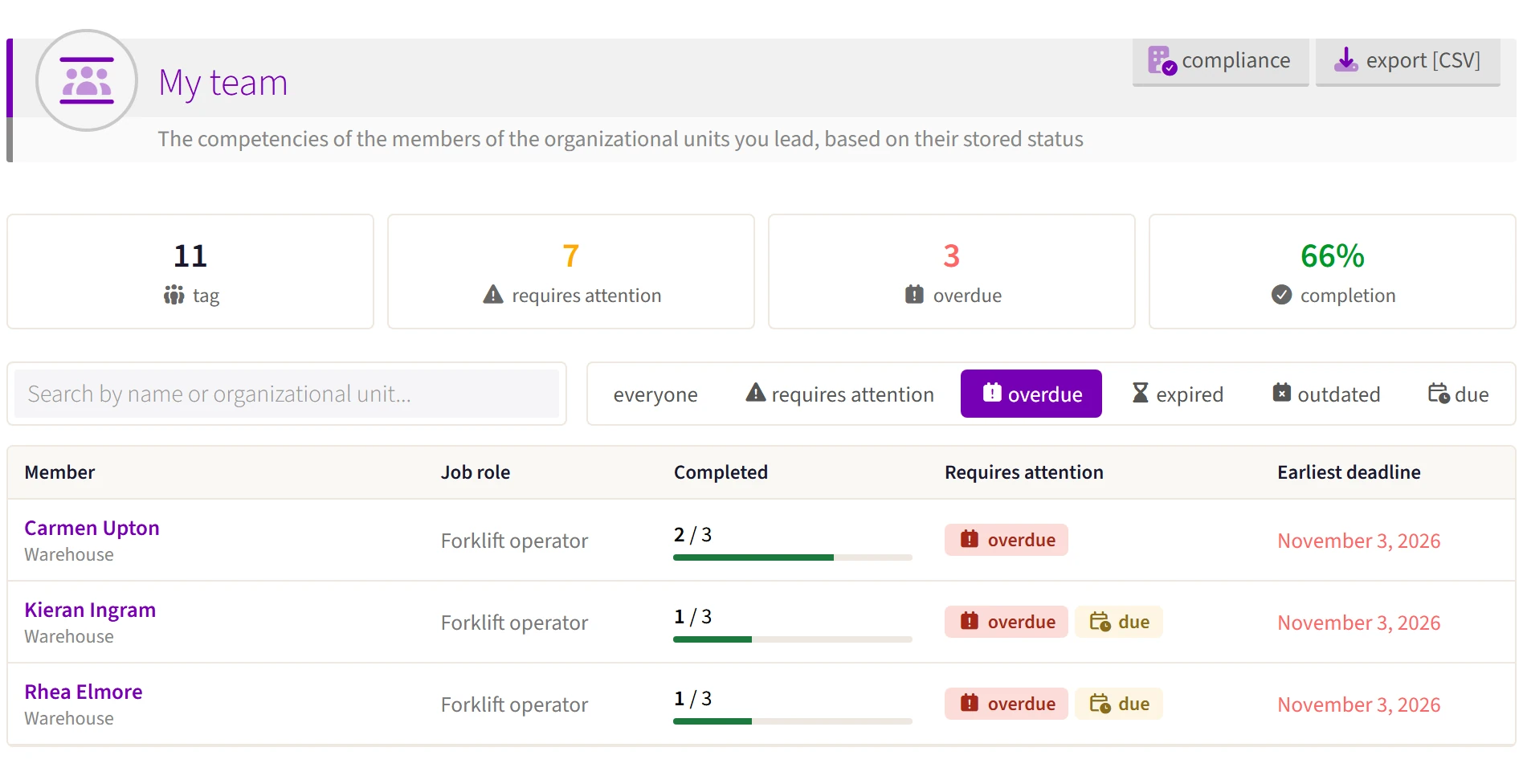
The leader's message → My team, overdue
See My team for department leaders.
Channels and switching off
Reminders arrive on every channel the recipient has switched on: in EduBase, by email, in the browser, and on other channels your installation offers. Each person can switch them off in Notification settings under Competency deadlines, one switch per channel. The same group holds the leaders' message, "Team members who missed the deadline".
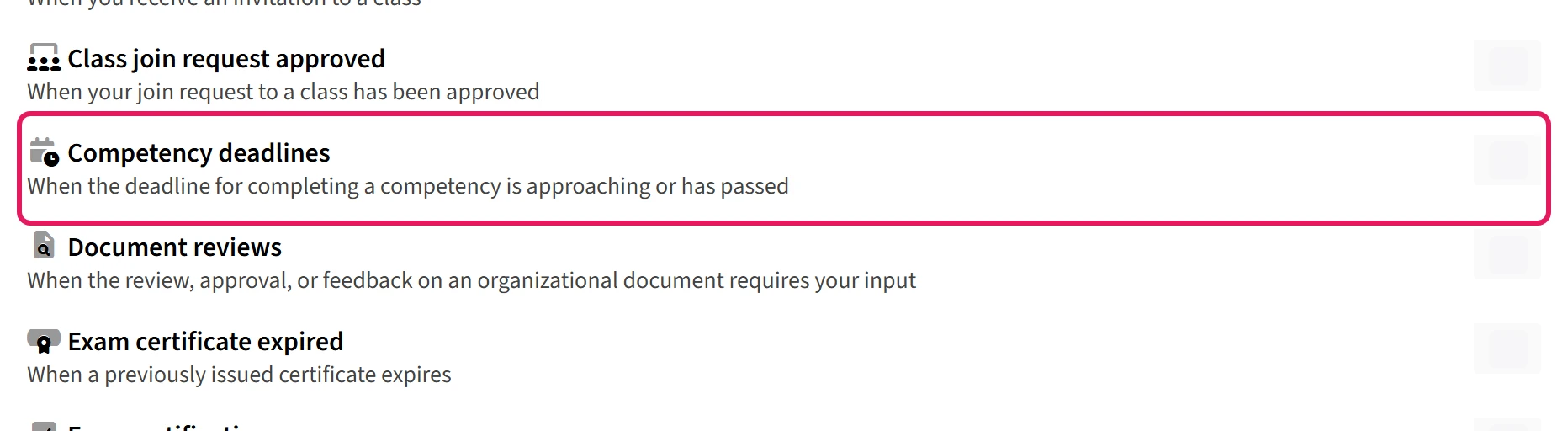
Notifications → settings
Limits
- The 30, 7 and 3 days are fixed; they cannot be changed per organization or per competency.
- Competencies without a deadline are never reminded, even when they expire. Expiry shows on the compliance pages and on the member's My competencies page.
- A member who switched the notifications off gets no reminders; their status still shows as due or overdue to managers and leaders.
- Leaders hear about overdue members once per overdue deadline, not weekly.